Build it
The plan is done, so now Claude can build.
In the Claude app, click + New. Check that your project folder is selected, and set the mode to Plan.
Click Copy, paste into the prompt box and press Enter.
Read CLAUDE.md and everything in docs/. Build both milestones from docs/plan.md in index.html, and follow docs/design.md. Then tell me how to open it.Read the plan Claude shows you. To change it, keep planning and type what you'd change. When it looks right, approve it, and choose Yes when Claude asks to make changes. Claude writes the code.
Click index.html in the chat. It opens in the app's browser. Yours won't look exactly like this, because Claude makes its own choices.
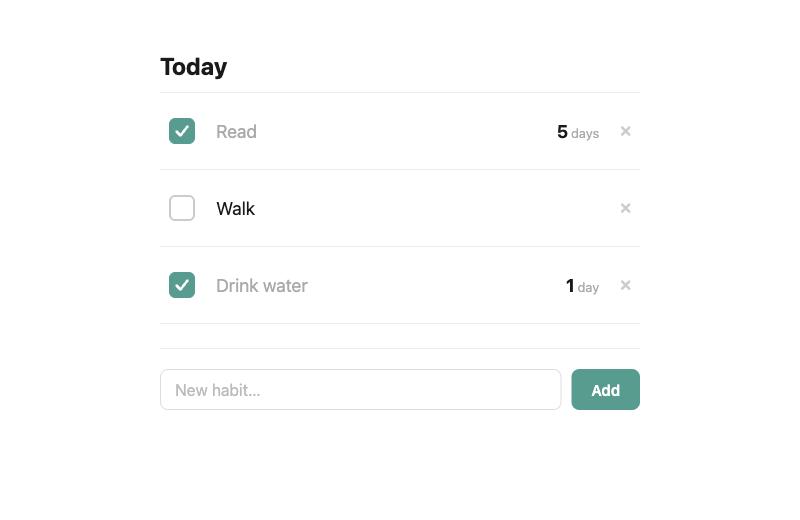
Try it. Add a habit called Read, check it off and refresh the page. It should still be there.